Useful chat actions
@mentioning
To get someone's attention, you can @mention their name. Doing so with send them an alert sound different to the usual chat notification. This, like regular chat notifications, is affected by whether the recipient has their notifications sounds enabled.
When @mentioning, you can hit Tab to cycle through nickname matches. For example: if there is a user with a nickname "testuser", typing @test and then hitting Tab will autocomplete their name.
Push notifications
Push notifications allow you to see message notifications while the window is minimised or not in focus. They work on both mobile and desktop, if enabled. On joining a room for the first time, you will be prompted to allow or deny permissinos for notifications. Notifications can also be enabled or disabled via the room settings menu (cog wheel above the user list).
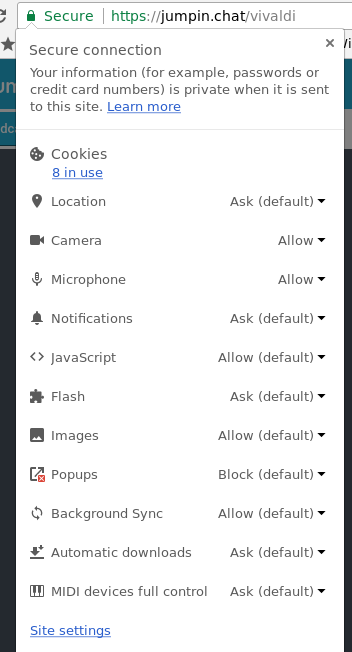
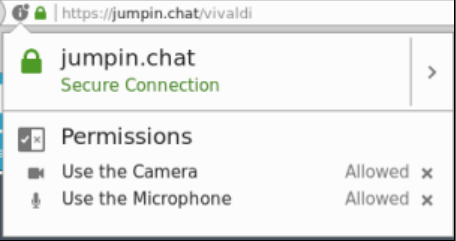
If you have previously denied notifications, you will not be able to receive them until you have re-enabled them in your browser. You can do so by opening up your browser permissions options by clicking the lock icon to the left of your URL bar and changing the setting for "Notifications" to Allow.